
Photography rules
Be natural...
Not staged. No people smiling directly at the camera. Shots of real people (we don’t mind a bit of sweat) enjoying and ‘in the zone’ of their activity.
Be positive...
Images of people enjoying themselves, pushing themselves, showing they are emotionally engaged in their pursuits.
Be dynamic...
Choose images with an interesting angle or rotate and crop them. Use ones with depth of field.
Be part of the brand...
General Guidance on Tools and Equipment for Taking Photos
To ensure high-quality photos for our LED brand, it’s important to use the right tools and equipment. Here’s a list of recommended equipment and some general tips for taking the best possible photos:
Recommended Equipment
High-Quality Digital Camera (e.g. DSLR or high-quality phone camera)
Tripods: Essential for stability, especially in low light conditions or creative angles.
Lighting Equipment: Ideal for even, diffused light and soft, natural-looking lighting.
General Photography Tips
Clean the Camera Lens
- Always give the camera lens a quick wipe clean before taking photos.
- Use a microfiber cloth to avoid scratches and remove smudges.
Use Proper Lighting
- Ensure that your subject is well-lit to avoid shadows and ensure clarity.
- Natural light can be great, but avoid direct sunlight which can cause harsh shadows.
Stabilise the Camera
- Use a tripod to keep the camera steady, preventing blurriness.
Check Camera Settings
- Adjust the camera settings according to the lighting conditions and the type of shot you need.
- Use appropriate ISO, aperture, and shutter speed settings for optimal results.
Frame Your Shot
- Ensure that the subject is properly framed within the shot.
- Use the rule of thirds for a balanced composition.
Background Matters
- Use plain or relevant backdrops to avoid distractions.
- Ensure the background complements the subject without overpowering it.
Model release form
Please ensure that everyone photographed has completed and signed a Model Release Form prior to distribution.
If you are working with schools, groups or other organisations, please use this Model Release Form for Groups and Schools instead.
Example photographs
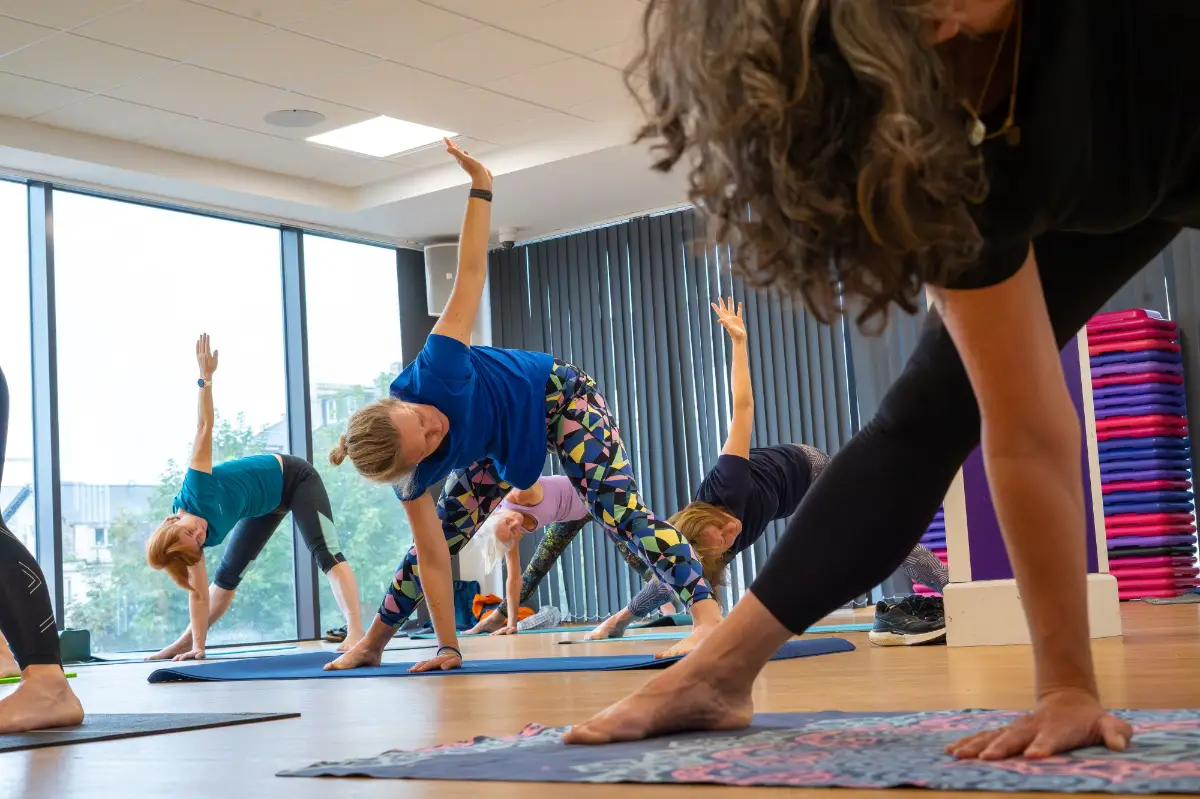
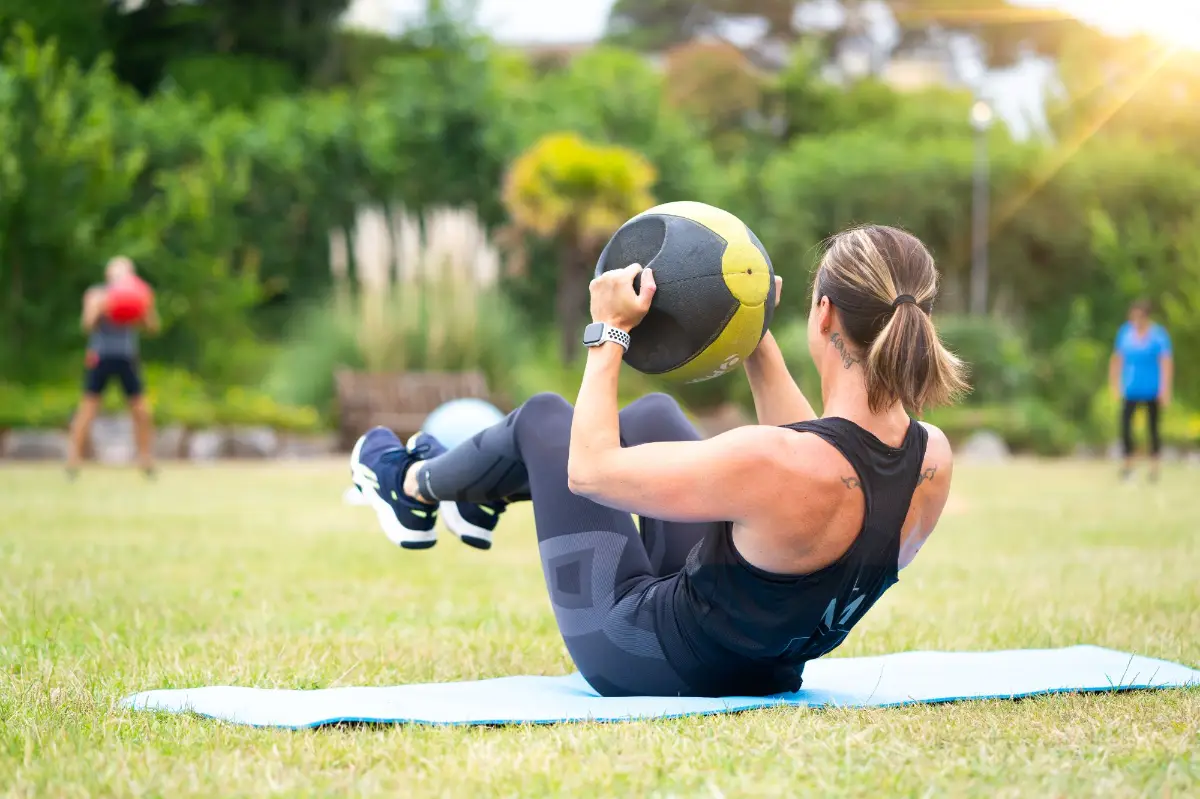
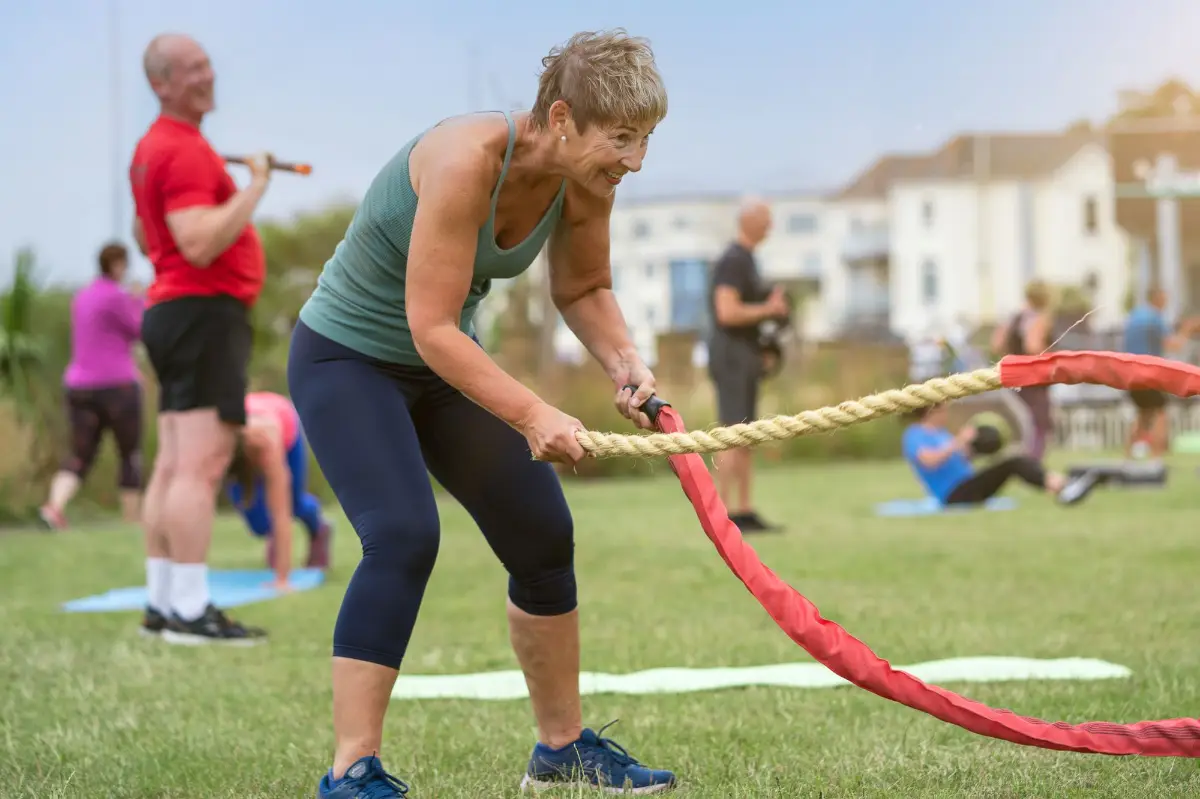
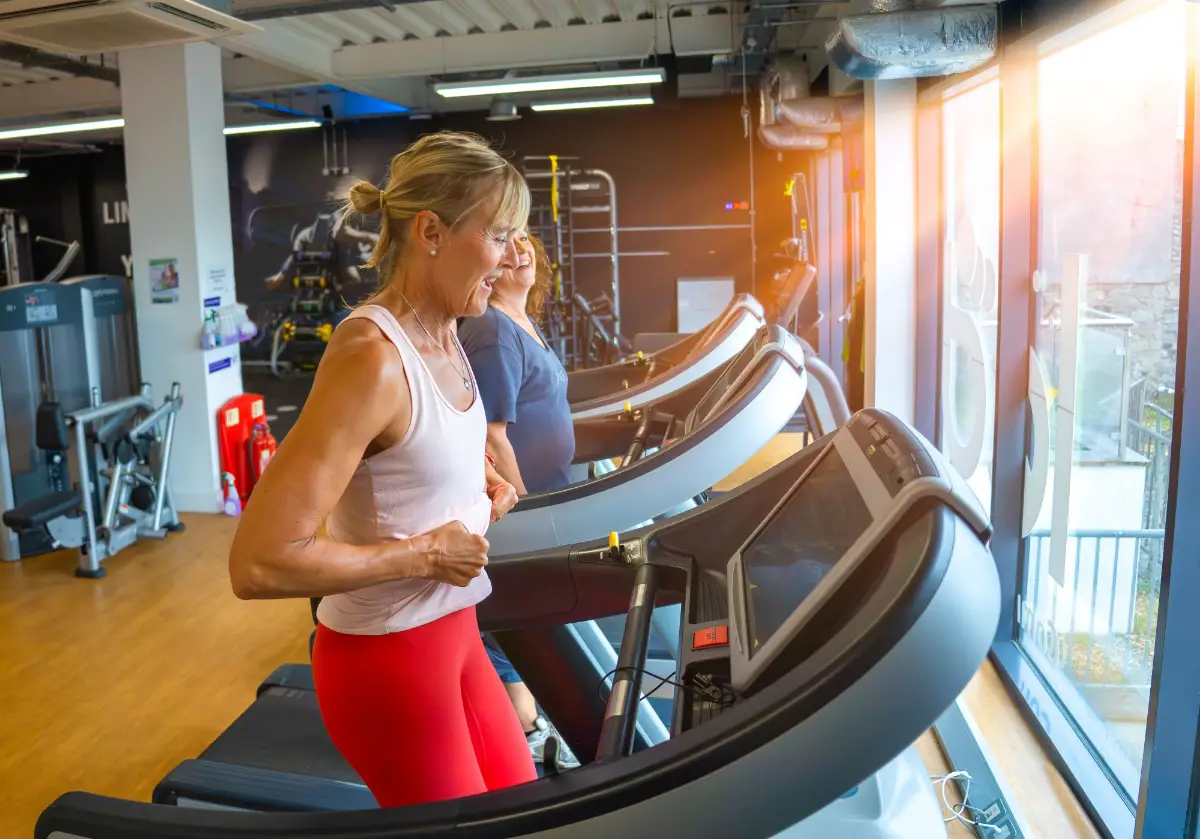
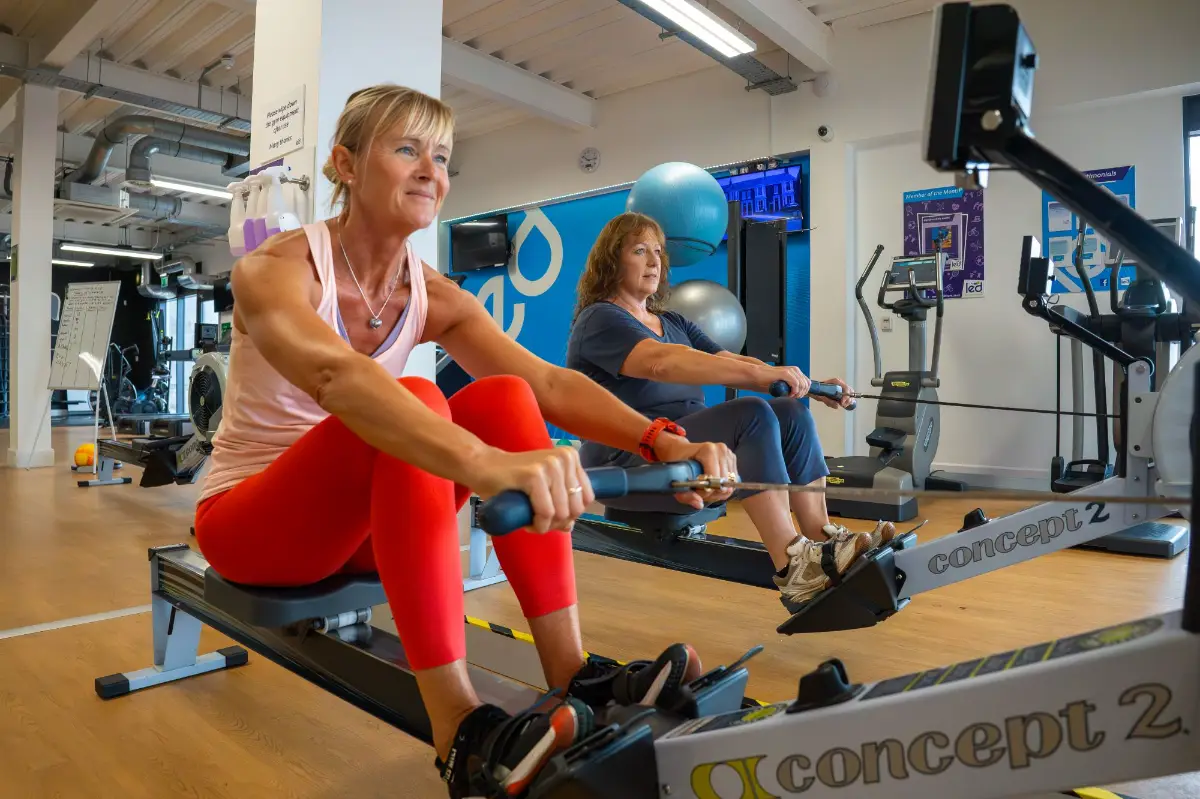
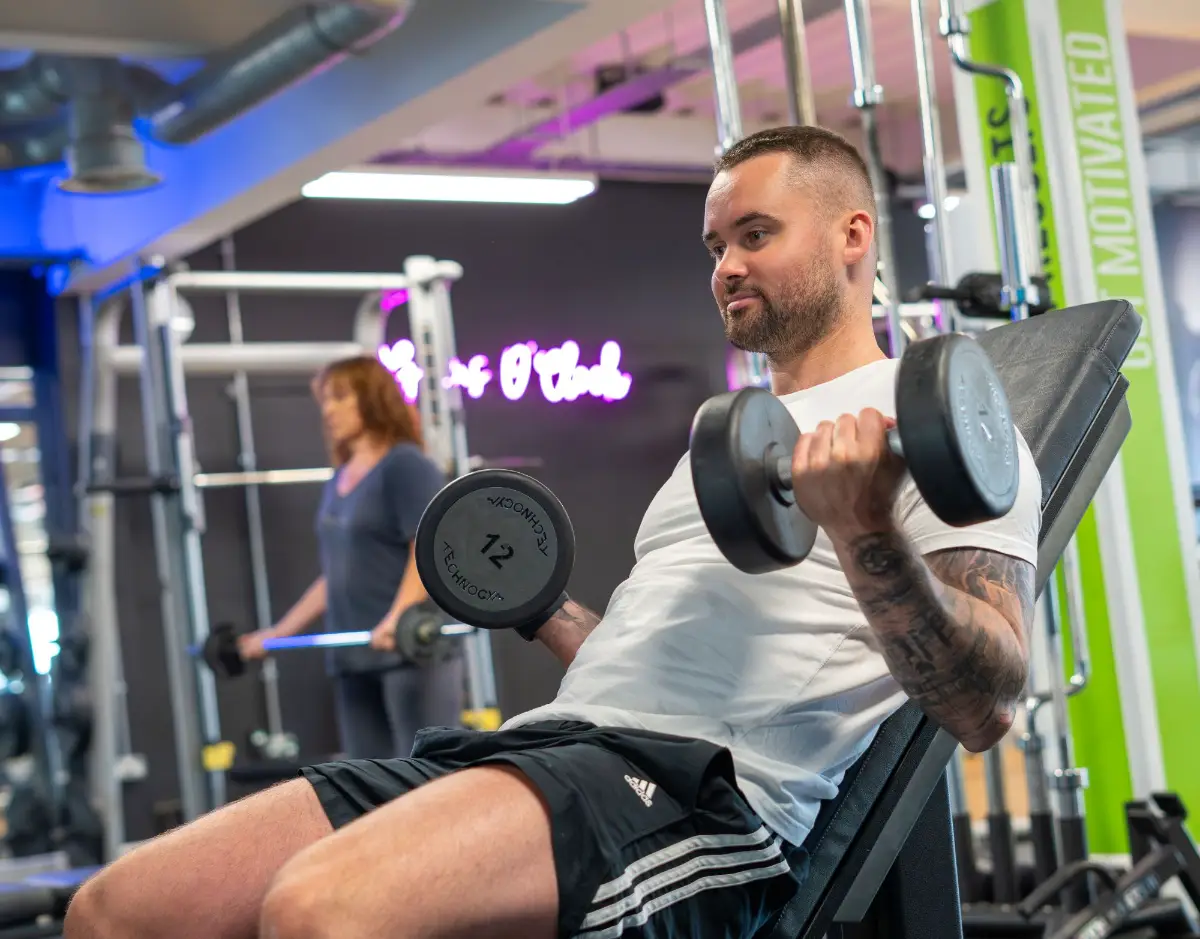
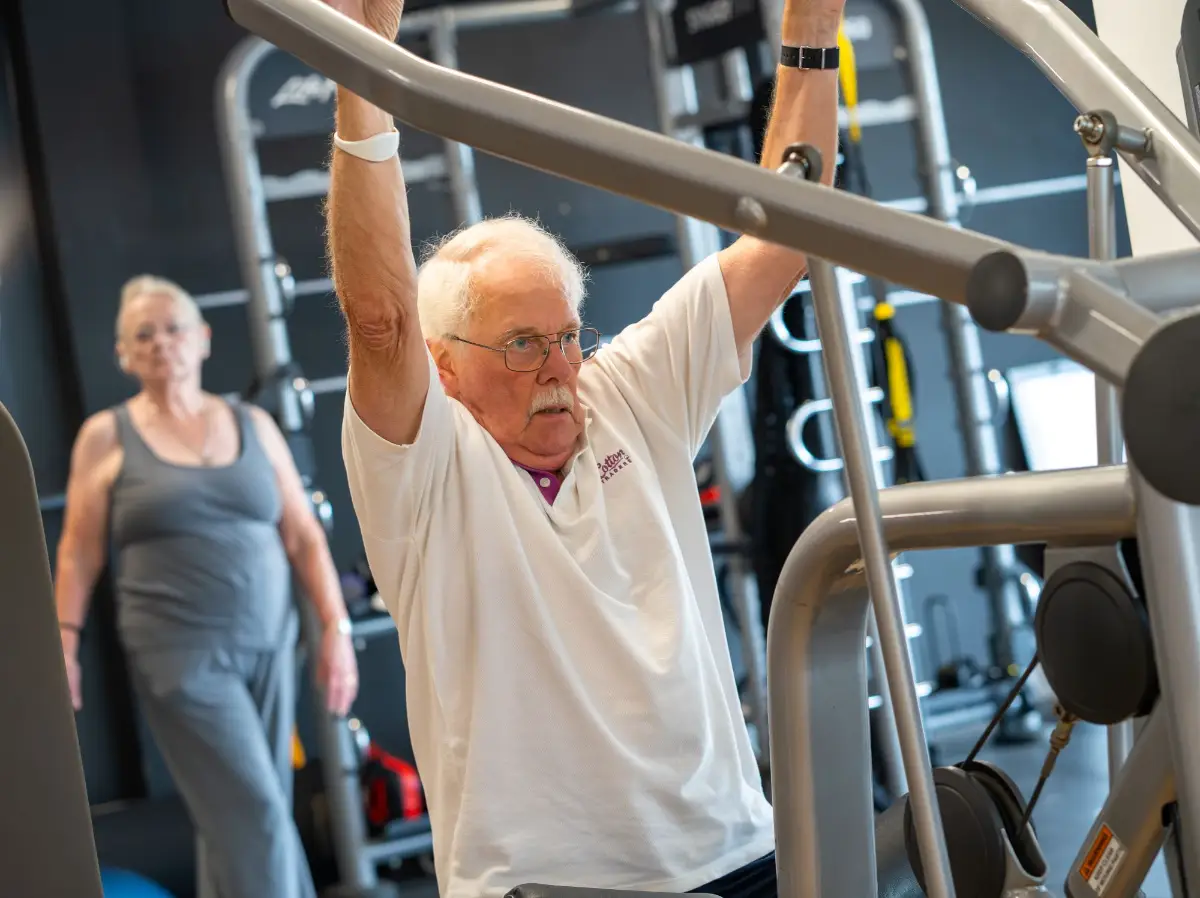
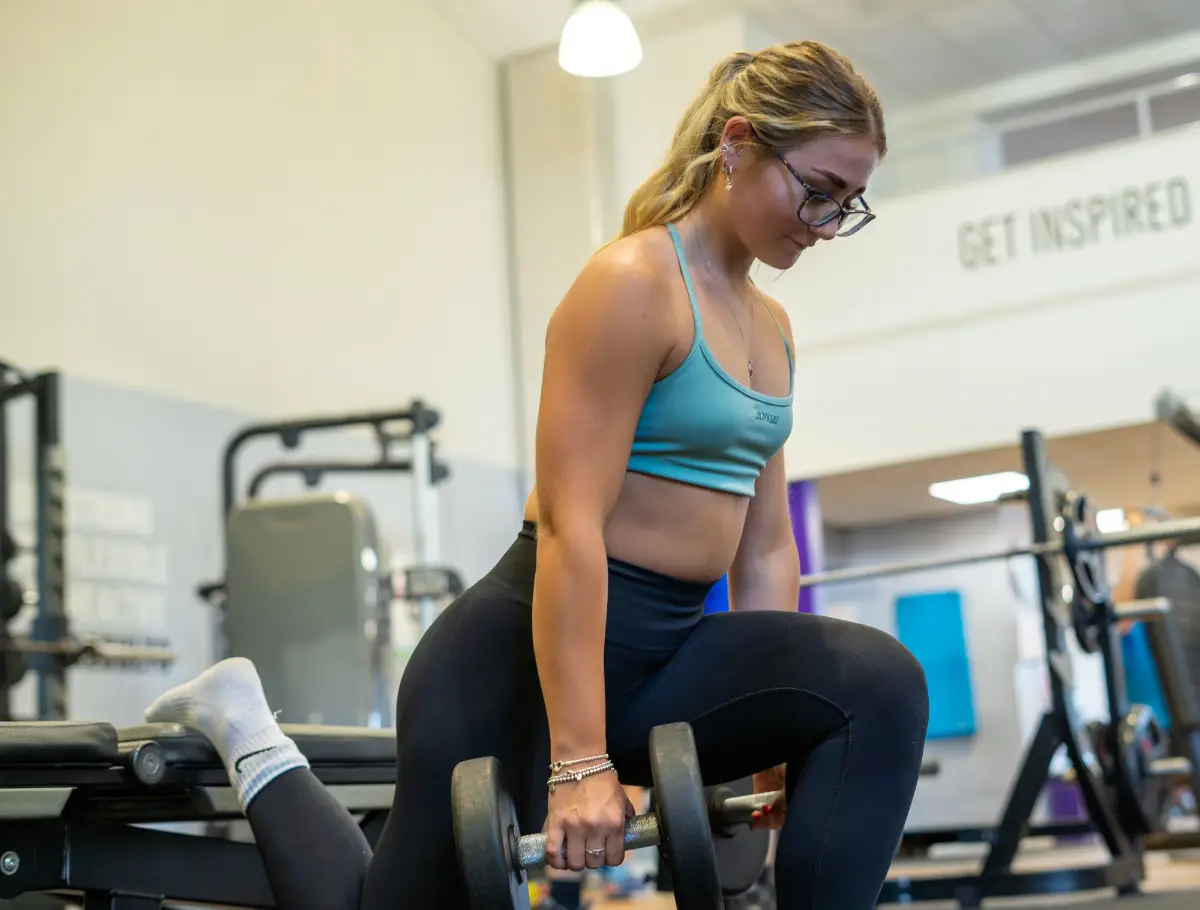
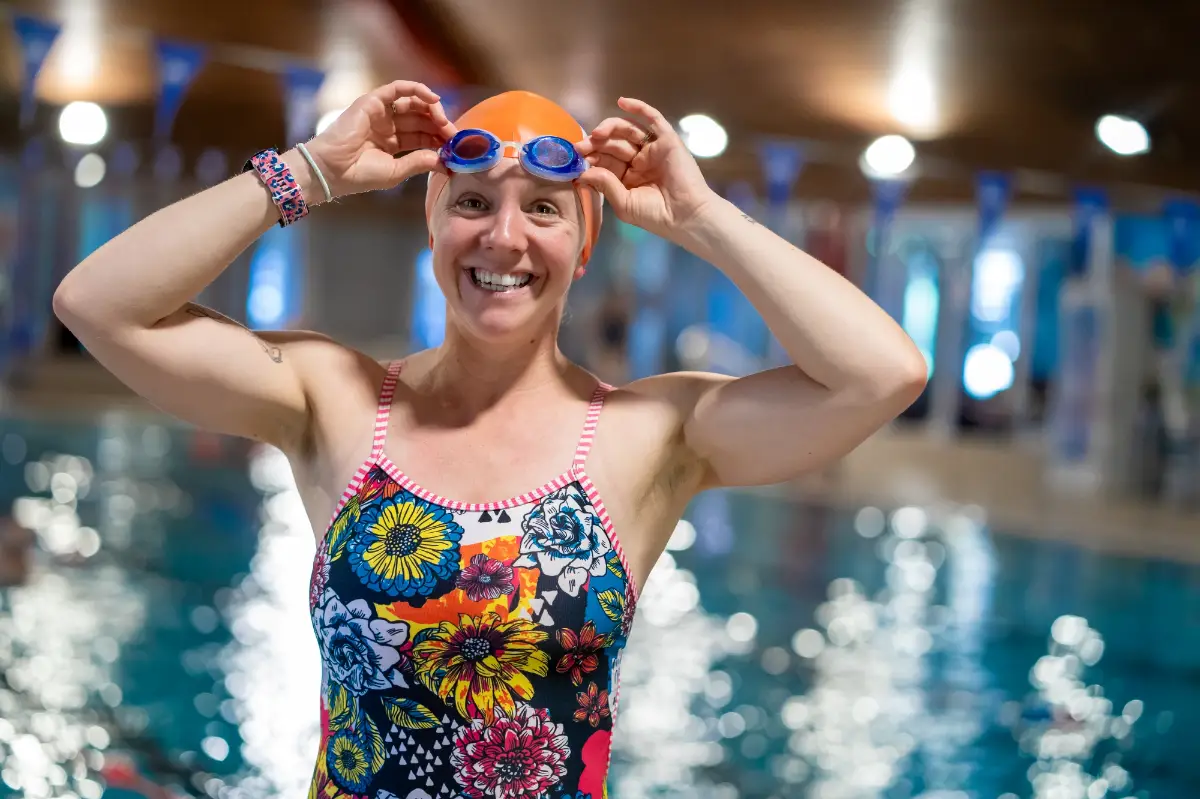
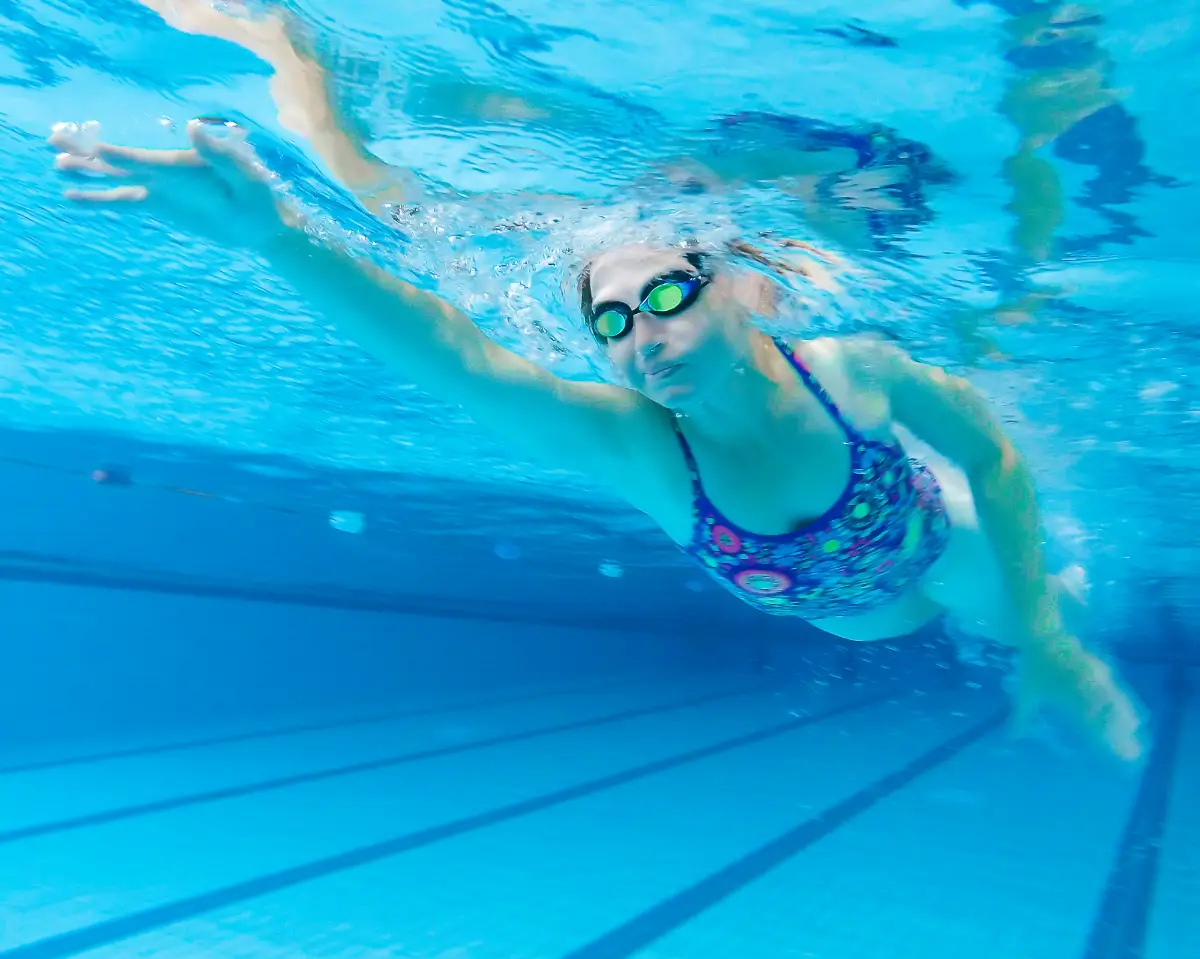

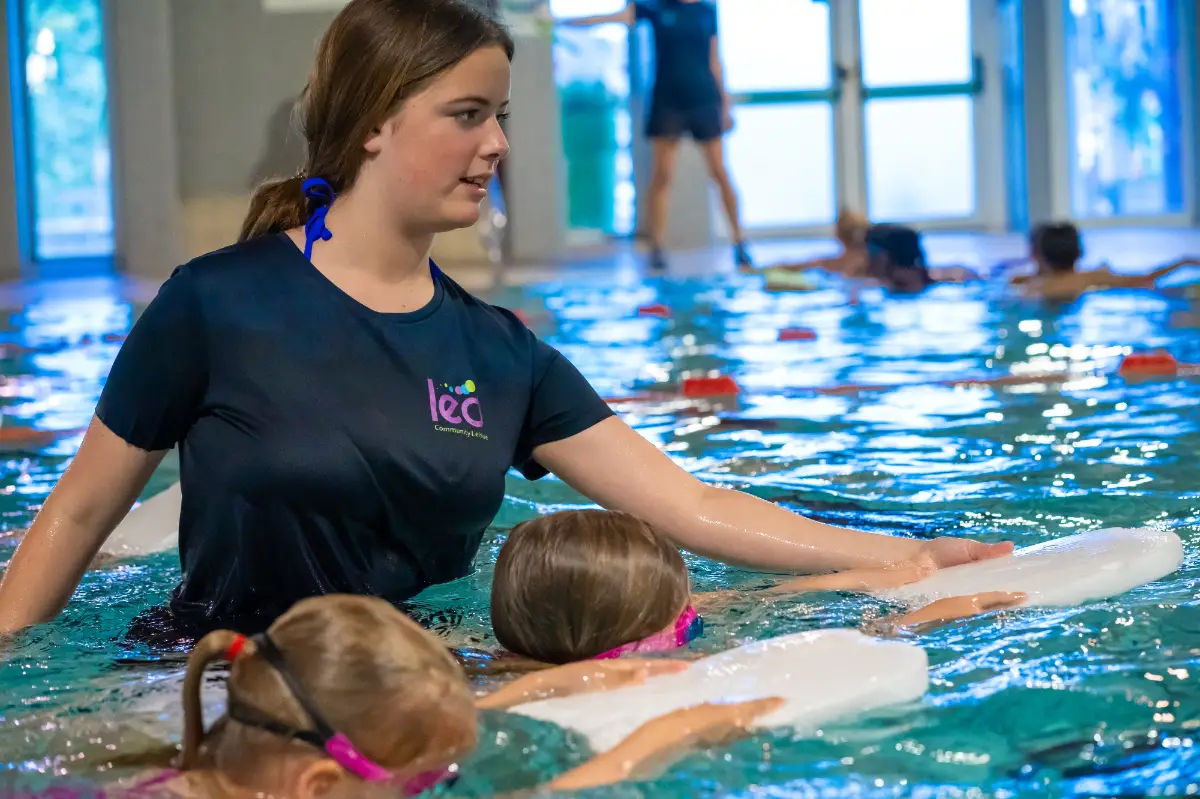
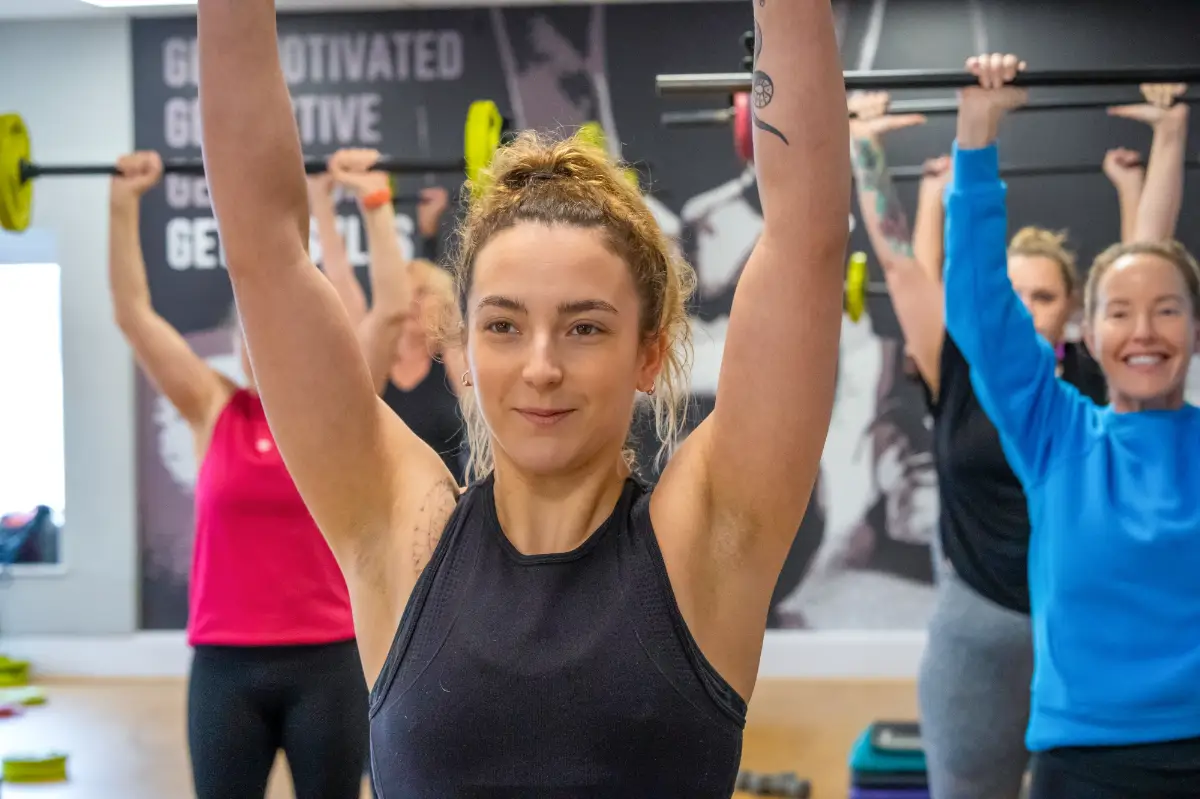
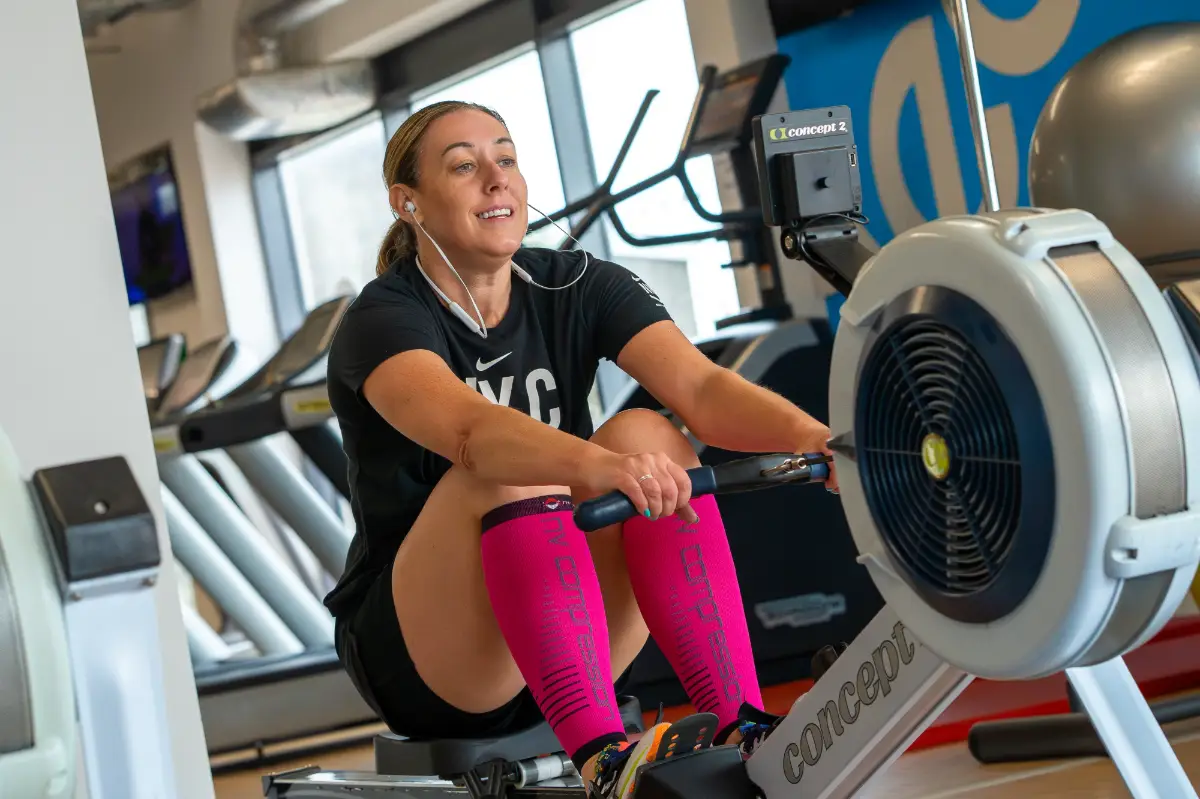
Image storage
There are a selection of generic images within the Canva brand kit library.
Any photos you take should be stored centrally in the Marketing folder of the ‘L-Drive’, under the ‘Site Photography’ folder.
Images should be named with the name of the site, member (if appropriate), purpose of the image and the date taken.
E.g. Honiton – Joe Bloggs – Member of the Month – 100924.jpg
Any photos including a member or team member must have a Model Release Form completed before it can be used in any marketing material.